
Getting Started: Onboarding
Welcome to Budokan! This guide will help you set up your wallet and get ready to play on-chain games. Budokan supports a variety of Starknet wallets, with a special recommendation for the Cartridge Controller due to its advanced features and signerless transactions.
Choosing a Wallet
Budokan currently supports connection through several wallets. For the best experience, we recommend using the Cartridge Controller, which enables gas-less transactions and seamless gameplay on the platform.
- Cartridge Controller (recommended)
- Argent
- Braavos
The Cartridge Controller offers extended features ideal for on-chain games, including signerless transactions and multi-platform login options.
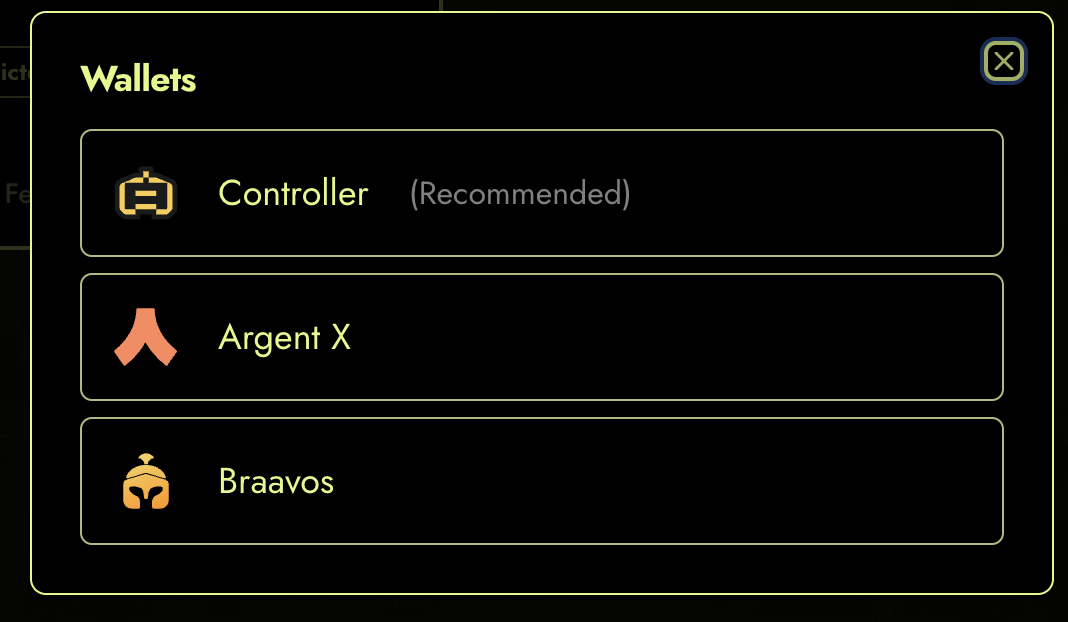
Figure 1: Supported wallets on Budokan.
Setting Up Your Wallet
Follow these steps to get started:
-
If you don't already have a wallet, select Controller and sign up.
-
Choose your preferred login method. The Cartridge Controller supports:
- Passkey — biometric login via Face ID, Touch ID, or a hardware security key (also works with passkey-capable password managers like Bitwarden or 1Password).
- Social login — Google, Discord, or X (Twitter). Best used in a desktop or mobile web browser; OAuth flows may not work reliably inside native-app webviews.
- External wallets — Argent, Braavos, MetaMask, Phantom, Rabby, Base, and WalletConnect. The Ethereum-based wallets (MetaMask, Phantom, Rabby, Base, WalletConnect) are desktop-only and won't appear as options on mobile.
For the most up-to-date list and platform-support notes, see Supported Signer Types in the Cartridge Controller docs.
-
Complete the sign-up process as guided.
-
Once your wallet is set up, connect it to Budokan through the platform's wallet connection interface.
The Cartridge Controller makes onboarding easy, allowing you to use familiar social accounts or other wallets. After setup, you'll be ready to join tournaments and play games on Budokan.
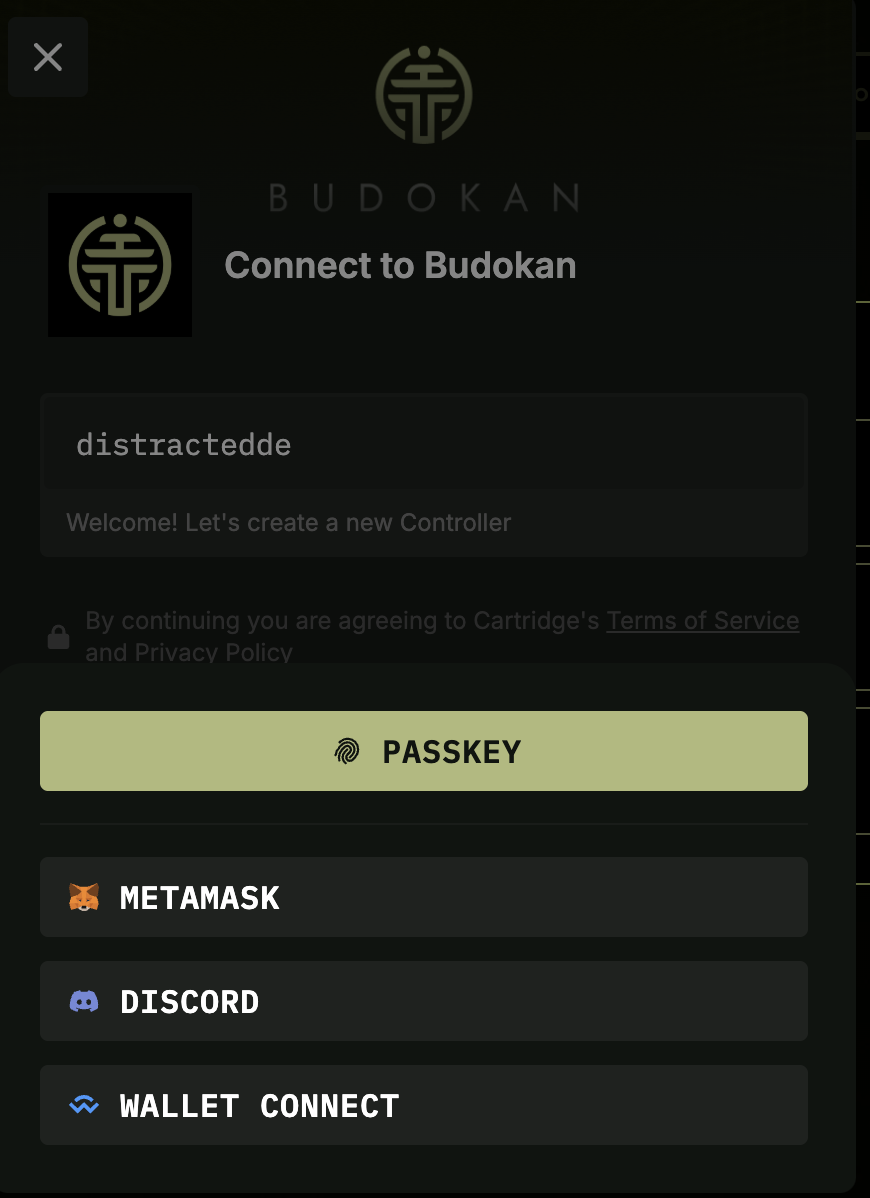
Figure 2: Signing up with the Cartridge Controller.
Tip: Using the Cartridge Controller enables gas-less transactions and a smoother experience across all supported games.
Next Steps & Related Guides
If you have questions or need help, check the FAQ or contact support through the app.